 Sarah Grey
 Smartphones have quietly become some of the most depended-upon tools in daily life. From the morning alarm to late-night scrolling, devices like the iPhone are constant companions. With such heavy use, it is easy to forget about the small component that makes everything possible: the battery. Like all rechargeable batteries, it changes over time. Most people first notice when their phone seems to drain faster or run out of power earlier than it used to. That usually raises questions about battery health and whether it might be time for a replacement. Understanding how battery health works can make living with your phone a little less stressful and a lot more predictable.
This guide explains what the battery health percentage actually means, why it declines, and how to decide when a replacement makes sense. The information applies broadly to iPhones, though the underlying battery science is similar across modern smartphones.
Understanding What Battery Health Actually Means
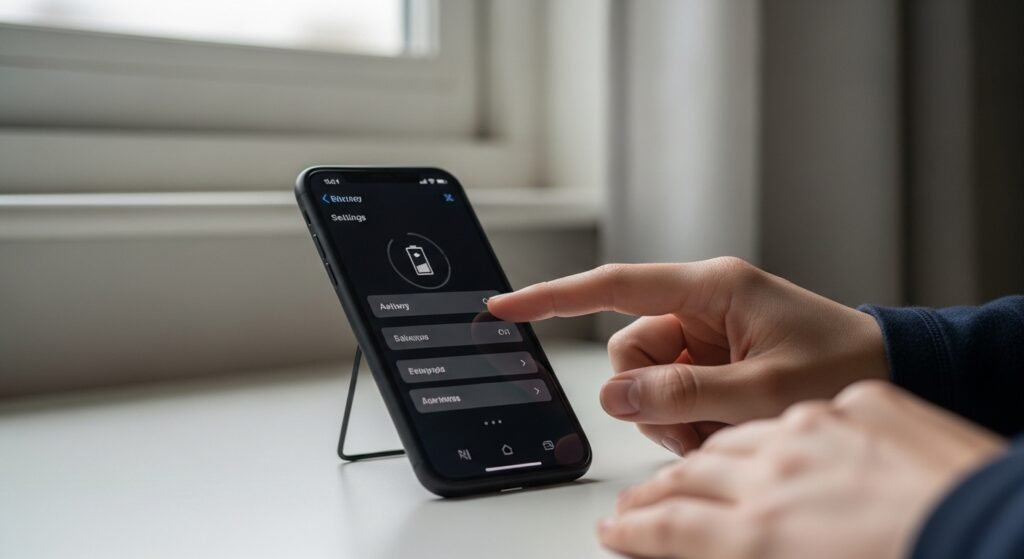
Battery health, as shown in the iPhone’s Settings under Battery, is Apple’s estimate of how much charge your battery can still hold compared to when it was new. A phone at 100 percent maximum capacity holds roughly its original charge; at 85 percent, it holds about 85 percent of what it once did. This is different from the charge percentage you see in the status bar, which simply shows how full the battery is right now.
The figure is an estimate, not a precise laboratory measurement, and it can fluctuate slightly. Apple derives it from monitoring charge cycles, voltage behavior, and other factors over time. Think of it as a useful gauge of your battery’s overall condition rather than an exact score. A gradual decline is entirely normal and expected with regular use.
Why Lithium Batteries Slowly Wear Down

Modern smartphones use lithium-ion batteries, prized for being lightweight, efficient, and rechargeable. Inside, lithium ions move between electrodes as the battery charges and discharges. Over many cycles, this process gradually degrades the battery’s internal structure. Electrode materials develop tiny cracks, unwanted chemical films build up, and some lithium becomes permanently trapped where it can no longer participate in charging.
This aging is chemical and inevitable, not a sign of a defective phone. Every rechargeable battery in existence, from phones to laptops to electric cars, experiences it. The rate depends on usage patterns, temperature, and time, but no lithium-ion battery lasts forever. Understanding this helps set realistic expectations: a battery that slowly loses capacity is doing exactly what physics dictates.
Why Battery Percentage Drops Over Time
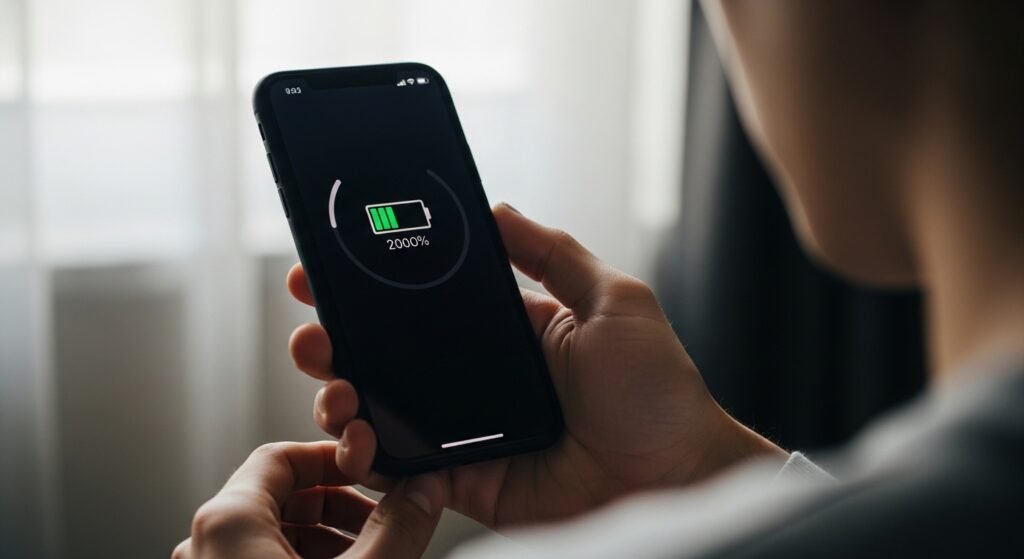
Seeing the maximum capacity slip below 100 percent can feel unsettling, but in most cases it reflects ordinary wear. Charging habits, heat exposure, and daily usage patterns all influence how quickly the number changes. Someone who charges twice daily in a hot climate will typically see faster decline than a light user in moderate temperatures.
Apple designs iPhone batteries to retain up to 80 percent of their original capacity after a certain number of complete charge cycles, a figure that varies by model. Newer models are engineered for longer lifespans than older ones. The decline is usually gradual at first and may accelerate later. Checking the number obsessively tends to cause more anxiety than insight; a better approach is to notice how the phone actually performs through your day.
The Role of Charging Cycles
A charge cycle means using an amount of charge equal to 100 percent of the battery’s capacity, though not necessarily all at once. Using 50 percent one day and 50 percent the next counts as one cycle. After many hundreds of cycles, the battery’s maximum capacity gradually diminishes.
This is why heavy users see faster battery aging: more daily usage means more cycles accumulate quickly. Partial charges are gentler than full 0-to-100 charges, which is one reason Apple introduced features like Optimized Battery Charging, which learns your routine and delays charging past 80 percent until you need it. On newer models, you can also set a hard charge limit. These features exist precisely because the top and bottom of the charge range stress the battery most.
Why Extreme Temperatures Matter

Temperature has a major effect on battery behavior and longevity. Apple states that iPhones perform best between 32 and 95 degrees Fahrenheit, and recommends avoiding prolonged exposure to heat above 95 degrees. High temperatures accelerate the chemical aging inside the battery, causing permanent capacity loss.
Common heat sources include leaving a phone on a car dashboard in summer, charging under a pillow, or intensive gaming while plugged in. Cold, by contrast, usually causes temporary effects: the phone may shut down or show reduced charge in freezing weather but recover when warmed. The practical takeaway is simple. Keep the phone reasonably cool, especially while charging, and remove thick cases if the device feels hot during intensive use.
How Software Updates Sometimes Affect Battery Feel
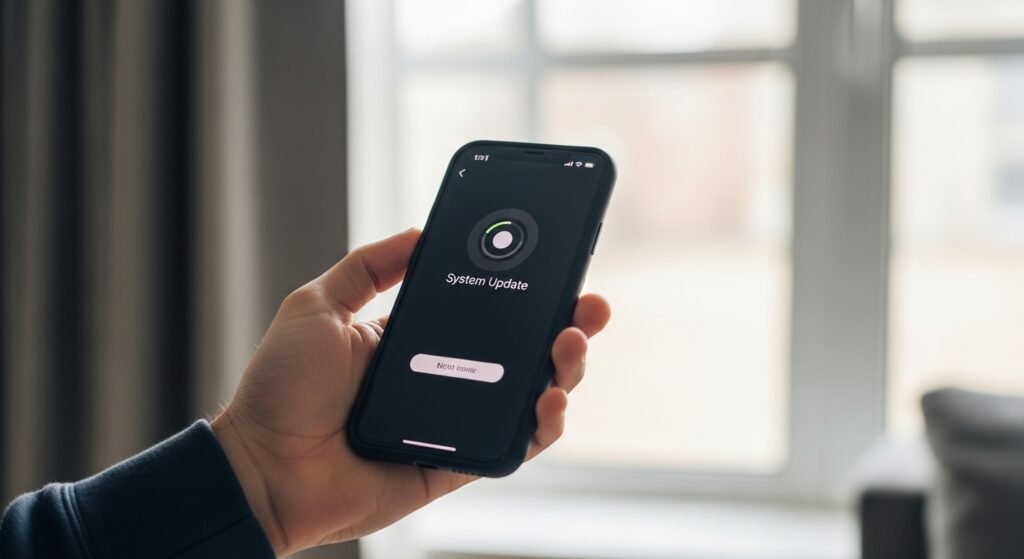
Many people notice their battery draining faster right after installing an iOS update. In most cases this is temporary. After an update, the system performs background tasks like re-indexing files, updating apps, and recalibrating, which consume extra power for a day or two before settling down.
If the drain persists beyond a few days, it is worth checking which apps are using the most power in Settings, since updates can occasionally change app behavior or reset settings. In the long run, software updates generally help rather than hurt battery life, because they include efficiency improvements and bug fixes. The key is patience: give the phone a few days to finish its housekeeping before judging the impact.
When Battery Health Falls Below Certain Levels
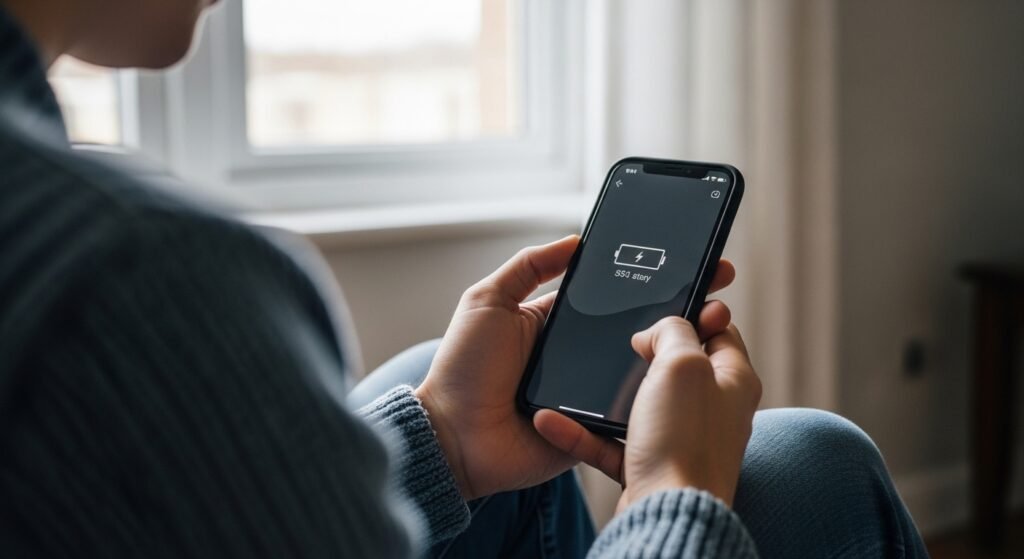
As maximum capacity declines, the practical effects become noticeable: the phone needs charging more often, may shut down unexpectedly under heavy load, and can feel sluggish if performance management kicks in. Apple considers 80 percent a meaningful threshold; below that, the Settings app will typically display a “Service” message suggesting the battery be replaced.
However, the number alone should not dictate your decision. A phone at 82 percent that still gets you through the day may be perfectly fine, while a phone at 88 percent with unexpected shutdowns deserves attention. Pay attention to real-world symptoms: how often you charge, whether the phone dies at 20 percent, and whether performance feels impaired. These lived experiences matter more than any single percentage.
How Apple Suggests Monitoring Battery Condition
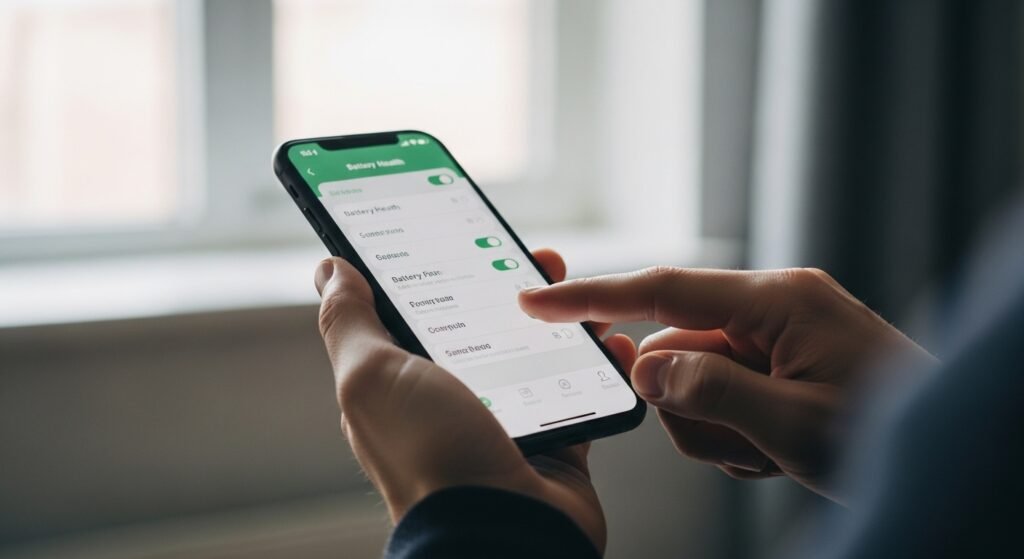
The iPhone’s Battery settings page provides more than just the maximum capacity figure. It shows battery usage by app, screen-on time, and, on supported models, the cycle count. If the battery can no longer deliver peak power, iOS may apply performance management to prevent unexpected shutdowns, and the settings will note this with an option to disable it.
Apple’s guidance is straightforward: when the battery health is significantly degraded and you notice the effects, consider a battery replacement through Apple or an authorized provider. Genuine parts and proper installation matter, because a poorly installed battery can cause safety issues. The settings page essentially tells you when the phone itself thinks service is warranted, which is a reasonable signal to take seriously.
The Possibility of Extending Battery Life

Small habits can slow battery aging. Avoid letting the phone sit at 0 percent or 100 percent for long periods, keep it cool, and use reputable chargers and cables. Enabling Optimized Battery Charging or a charge limit, reducing screen brightness, and turning off background activity for power-hungry apps all help reduce unnecessary strain.
That said, no habit stops aging entirely, and obsessing over perfect charging routines can take the joy out of using the phone. Batteries are consumable parts, and replacing one is normal maintenance, not a failure. When daily life starts revolving around chargers and battery packs, a fresh battery, which typically costs far less than a new phone, can make a two- or three-year-old iPhone feel new again.
Making the Call on Replacement
Battery health is best understood as a helpful indicator, not a verdict. A declining percentage is the natural result of chemistry doing its work, influenced by how you charge, where you live, and how heavily you use your phone. When the phone no longer keeps up with your day, when shutdowns become routine, or when Apple’s own diagnostics suggest service, a battery replacement is a sensible, cost-effective refresh. Until then, sensible habits and realistic expectations will keep the number in perspective. The battery may be small, but understanding it makes the whole phone feel more reliable.
One more thing worth knowing: if your iPhone is still under AppleCare+ or a carrier protection plan, a battery replacement may be covered when health drops below 80 percent. Check your coverage before paying out of pocket. And when you do replace the battery, back up your phone first and use only reputable service providers. A fresh battery is one of the most cost-effective upgrades you can give an aging iPhone, often extending its useful life by another two years or more with noticeably better daily performance and reliability overall every single day without exception guaranteed for certain.