 Sarah Grey
 Buying a laptop in 2026 should be simple, but for Apple fans, it has never been more confusing. The MacBook Air remains the best-selling Mac of all time, beloved for its thin design and silent operation. The MacBook Pro continues to dominate among creative professionals who need serious horsepower. And now, tech rumors will not stop talking about a possible MacBook Neo, a mysterious middle-ground machine that could reshape the entire lineup. If you are trying to decide which MacBook deserves your money, you are not alone.
The stakes are real. A MacBook is a significant investment, often the most expensive single piece of technology a person owns. Students rely on them for four years of coursework. Professionals depend on them for their livelihoods. Creative workers render videos, compile code, and design graphics on them daily. Choosing wrong means years of frustration: a machine that is too slow, too heavy, too limited, or simply overkill for your needs. This guide breaks down everything you need to know to make the right choice.
Before we dive in, an important note about the MacBook Neo. As of now, Apple has not officially announced such a product. The Neo exists in the realm of analyst predictions, supply-chain rumors, and tech-community speculation. But the rumors are persistent enough, and the logic behind them compelling enough, that it is worth considering what a Neo might look like and who it might serve. Think of this guide as both a comparison of the Macs you can buy today and a framework for evaluating whatever Apple announces next.
The Concept Behind the MacBook Neo
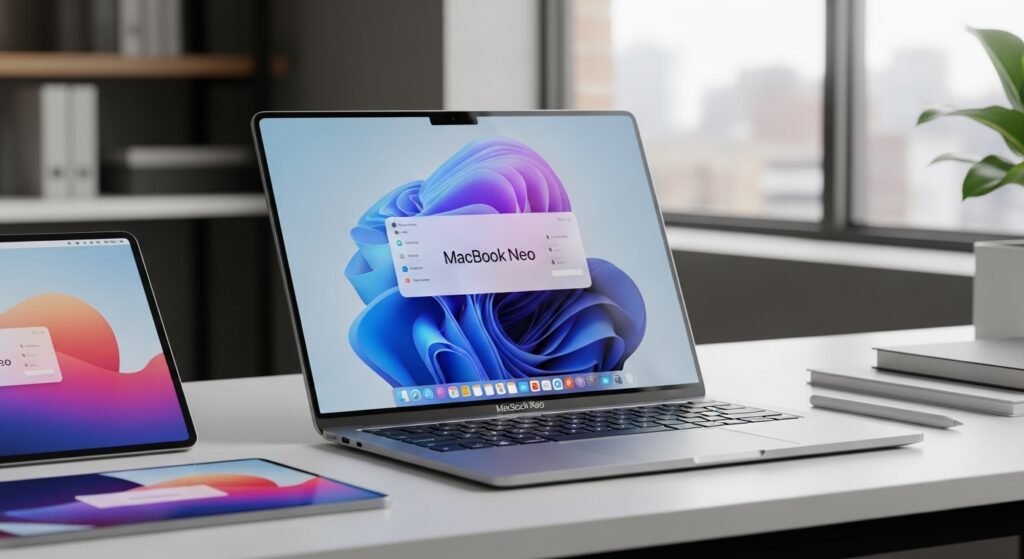
The MacBook Neo rumor refuses to die, and there is a good reason for that. Look at Apple’s lineup and you will notice a gap. The MacBook Air starts at a relatively accessible price and handles everyday tasks beautifully, but it has limits: fewer ports, a less advanced display, and thermal constraints that throttle sustained performance. The MacBook Pro, meanwhile, is a powerhouse, but it is heavier, more expensive, and frankly more machine than most people need. Between them sits an intriguing empty space.
Analysts speculate that a MacBook Neo, if it ever materializes, would target exactly that gap. Imagine a laptop with the Air’s portability but a brighter, smoother display. Imagine more performance headroom than the Air without the Pro’s bulk and price premium. It would be aimed at the vast middle of the market: people who do more than browse the web but less than render 8K video. Students in demanding majors, young professionals, content creators getting started, developers who compile code but do not train machine learning models. That is a huge audience, and currently, they must choose between settling and overspending.
Why the MacBook Air Has Remained Popular

The MacBook Air’s enduring popularity is no accident. Since Apple transitioned to its own silicon chips, the Air has delivered a combination that was previously impossible: genuinely fast performance in a fanless, whisper-quiet, impossibly thin chassis with all-day battery life. For the vast majority of users, people who browse, stream, write, video call, manage photos, and run office applications, the Air is not just adequate. It is delightful.
Price matters too. The Air is the most affordable way into the Mac ecosystem, and its value proposition is exceptional. Students get education discounts that make it even more attractive. The machine holds its resale value remarkably well, which lowers the total cost of ownership. And because Apple supports its laptops with software updates for many years, an Air purchased today will remain viable well into the next decade. For casual users and students, it remains the default recommendation, and deservedly so.
Where the MacBook Pro Usually Fits In
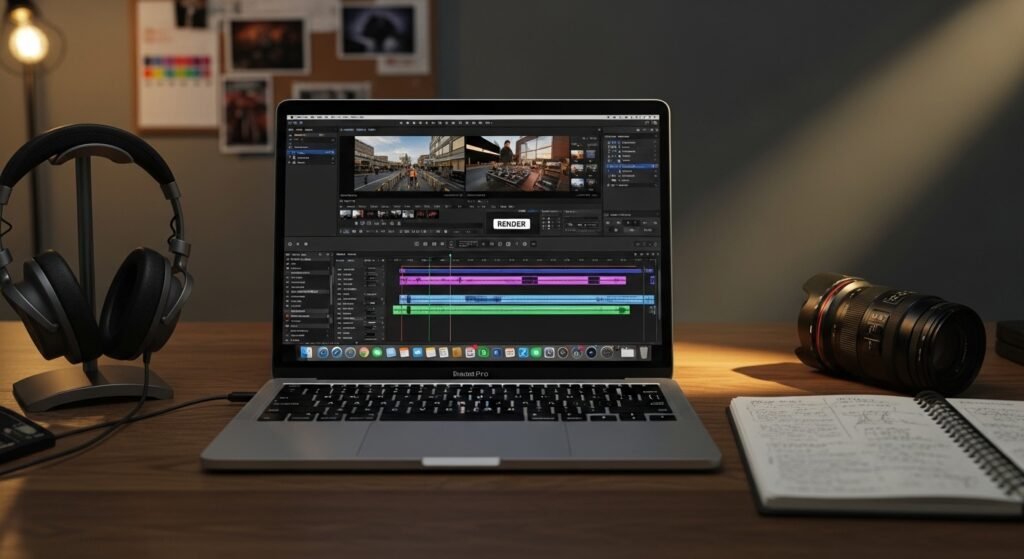
The MacBook Pro exists for people whose work pushes hardware to its limits. Video editors working with 4K and 8K footage, 3D artists rendering complex scenes, software engineers compiling massive codebases, data scientists training models, musicians producing multi-track recordings with dozens of plugins. For these users, time is money, and the Pro’s superior sustained performance, additional ports, better display, and expanded memory options translate directly into productivity.
The Pro’s advantages are tangible. The mini-LED display offers higher brightness, better contrast, and smoother motion, which matters enormously for visual work. The active cooling system allows the chip to maintain peak performance indefinitely, whereas the fanless Air must throttle under sustained load. The additional Thunderbolt ports, HDMI output, and SD card slot eliminate dongle frustration. But these benefits come at a cost, both financial and physical. The Pro is heavier, thicker, and significantly more expensive. For anyone who does not regularly stress their machine, that premium buys capability that goes unused.
Design and Portability for Everyday Life

Portability is where the Air shines brightest and where the Pro concedes ground. The Air is astonishingly thin and light, slipping into any bag and barely registering on your shoulder during a cross-campus trek or a cross-country flight. For commuters, students, and frequent travelers, this matters more than benchmark scores. A laptop you dread carrying is a laptop you will resent, regardless of how fast it is.
The Pro, while still portable by historical standards, is noticeably heftier. The difference of half a pound may sound trivial, but it accumulates over thousands of carries. A rumored Neo would likely split the difference, offering Air-like portability with a bit more substance. When evaluating portability, be honest about your real life. If your laptop mostly moves between your desk and your couch, weight barely matters. If it travels with you daily, every ounce counts.
Performance Expectations for Different Users
Here is the truth that marketing obscures: for everyday tasks, the performance difference between the Air and the Pro is imperceptible. Web browsing, document editing, video streaming, photo management, and video calls all run flawlessly on the Air. Apple’s silicon is so far ahead of these workloads that the extra headroom of the Pro sits idle. Buying a Pro for these tasks is like buying a sports car for grocery runs. It works, but you are paying for capability you will never use.
The calculus changes with demanding workflows. Export a 30-minute 4K video and the Pro finishes dramatically faster. Compile a large software project and the time savings compound daily. Work with massive Photoshop files or complex 3D scenes and the Pro’s additional memory and sustained performance prevent the slowdowns that kill creative flow. A Neo, positioned between them, would presumably handle moderate creative work, like 1080p video editing or light design tasks, better than the Air without matching the Pro’s workstation-class muscle. Match the machine to your actual workload, not your aspirations.
Battery Life and Long Days on the Go
Apple’s silicon revolutionized laptop battery life, and all current MacBooks deliver exceptional endurance. The Air routinely lasts through a full workday and then some, often stretching to 15 hours or more of mixed use. This freedom from the power outlet changes how you work. You stop scouting for seats near outlets in cafes. You stop carrying a charger for day trips. You simply use your laptop without battery anxiety.
The Pro offers similarly impressive battery life, though its more powerful components can drain faster under heavy load. In practice, both machines will get typical users through the longest days. A Neo would presumably match or approach the Air’s efficiency. Unless you have genuinely extreme mobility needs, battery life should not be the deciding factor between these machines. They all excel here, which is a testament to how far Apple silicon has come.
Storage and Memory Choices
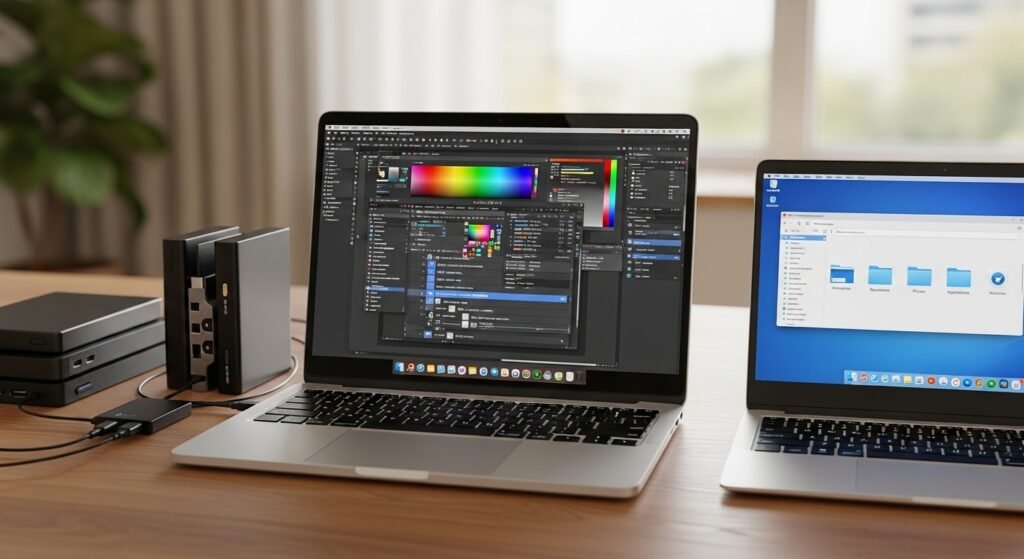
Storage and memory are the decisions buyers most often get wrong, and they are the hardest to fix later, since Apple solders both to the motherboard. The base configurations are adequate for light users, but creative professionals should think carefully. Video projects, photo libraries, and virtual machines consume storage voraciously. Running multiple demanding applications simultaneously benefits enormously from additional unified memory.
The Pro offers higher ceilings for both storage and memory, which is part of what justifies its price for professionals. The Air’s options are more modest but sufficient for its target audience. A useful rule of thumb: buy more storage than you think you need, because you cannot add it later, and consider memory carefully if you multitask heavily. Cloud storage can supplement a smaller drive, but it is no substitute for fast local storage when working with large files. Whatever model you choose, configure it thoughtfully at purchase time.
Quiet and Cooling Performance
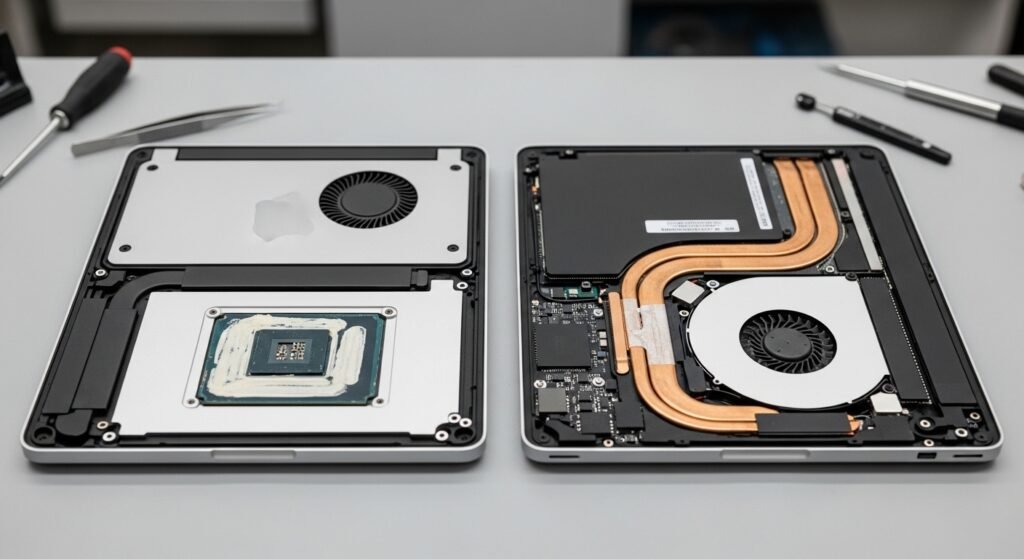
The Air’s fanless design is one of its most underrated features. Complete silence may sound like a luxury, but once you have experienced it, going back to a whirring fan feels like a downgrade. Libraries, meetings, bedrooms, recording sessions: the Air never intrudes. This silence is made possible by the efficiency of Apple silicon, which delivers remarkable performance without generating the heat that demands active cooling.
The Pro’s fans, by contrast, enable sustained performance at the cost of occasional noise. Under light loads, the fans rarely spin up, so the Pro is silent most of the time. But push it hard and you will hear them. For most users, this is a non-issue. For audio professionals recording in quiet environments, it can matter. A Neo would likely follow the Air’s fanless approach or use a minimal cooling solution, prioritizing silence over sustained peak performance. Consider your noise sensitivity and your workload when weighing this factor.
Who Might Like a Balanced Option
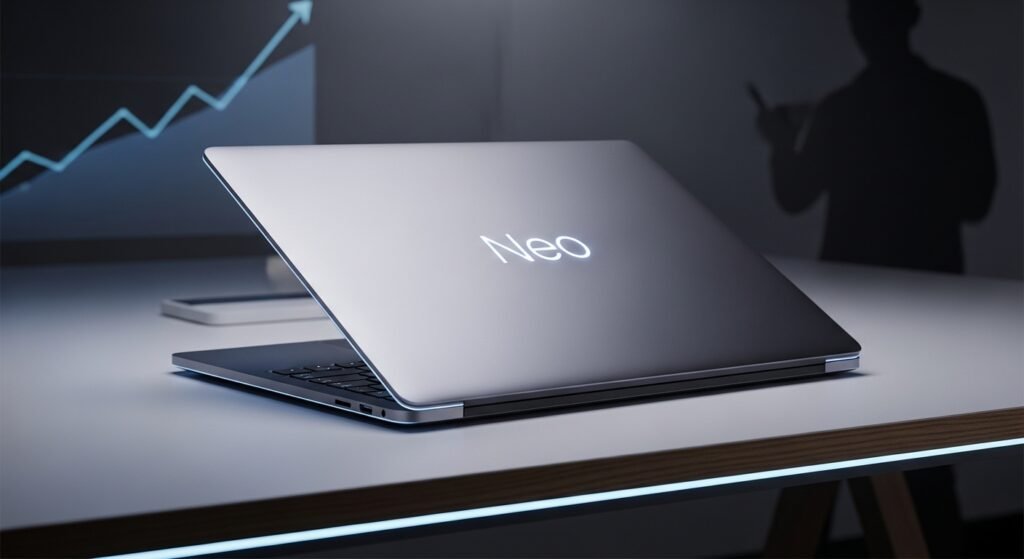
The hypothetical Neo buyer is easy to picture because there are so many of them. The graduate student in architecture who renders occasionally but does not live in CAD software. The marketing manager who edits video for social media but does not produce feature films. The developer who builds web applications but does not train neural networks. The photographer who processes weddings in Lightroom but does not composite Hollywood visual effects. These users find the Air slightly limiting and the Pro excessive.
Currently, these in-between users face an annoying choice. They can buy the Air and work around its limitations, perhaps with an external monitor and patience during exports. Or they can buy the Pro and pay for power they rarely tap. A Neo would resolve this dilemma, and its rumored existence speaks to how large this underserved middle has become. Until Apple fills the gap, these buyers should weigh how often they truly hit the Air’s limits. If the answer is weekly, the Pro may be worth it. If it is monthly, the Air plus patience is probably the smarter buy.
Students and Casual Users
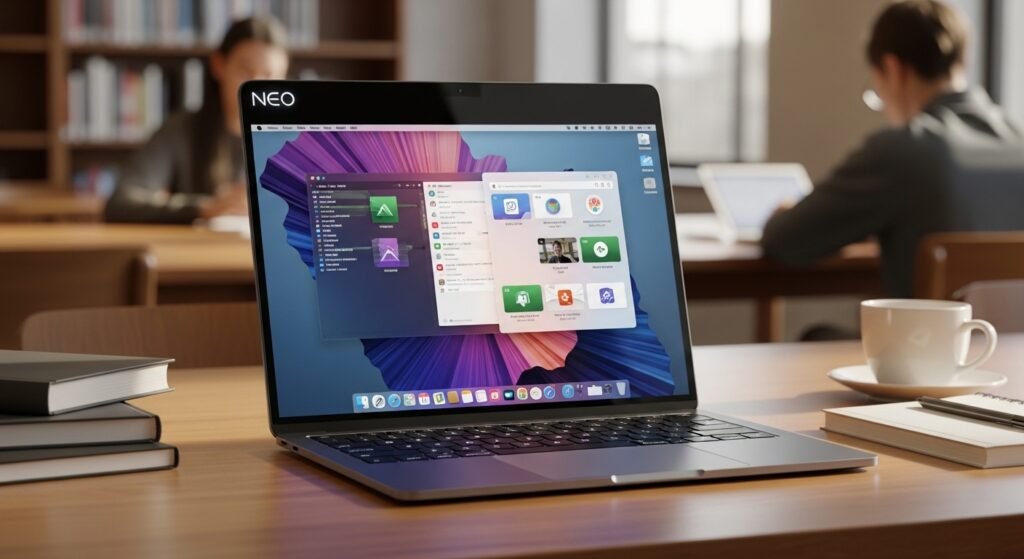
For students and casual users, the recommendation is straightforward: buy the MacBook Air. It handles every typical student workload, from writing papers to running statistical software to attending video lectures, with ease. Its portability is perfect for campus life. Its battery lasts through the longest days of classes. Its price, especially with education discounts, is the most accessible in the Mac lineup. And its durability means it will likely survive all four years of college and beyond.
The only students who should consider the Pro are those in genuinely demanding programs: film production, 3D animation, architecture, or computer science specializations involving heavy computation. Even then, many such students do fine with an Air paired with university lab computers for the heaviest tasks. Do not let aspirational thinking inflate your purchase. The Air is not a compromise for students. It is the right tool, and the money you save can go toward software, accessories, or simply staying within budget.
Creative Work and Professional Tasks
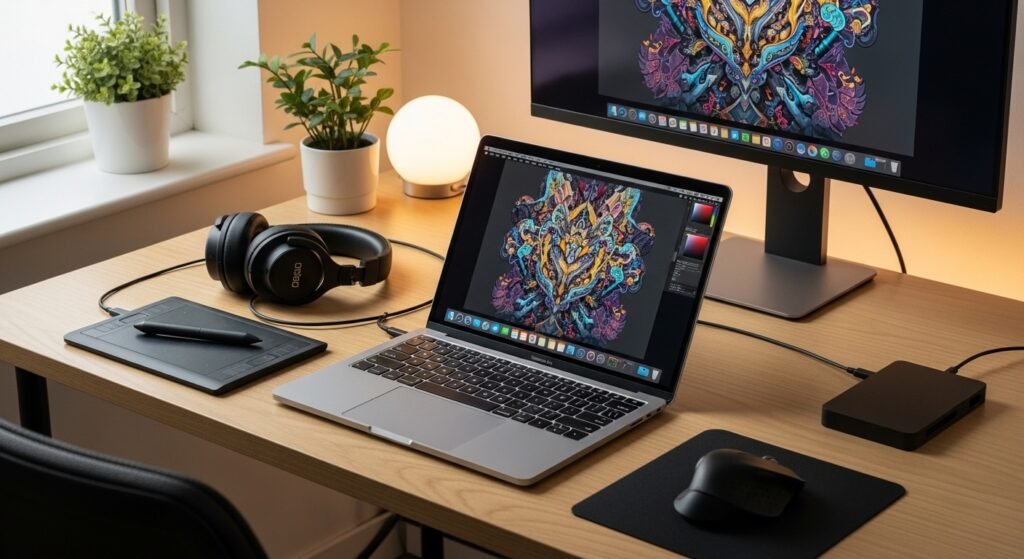
Creative professionals should think in terms of billable hours. If a faster machine saves you 30 minutes a day on renders and exports, that is more than 100 hours a year. At professional rates, the Pro pays for itself quickly. The superior display also matters enormously for color-critical work. The Pro’s mini-LED screen with its high brightness, contrast, and ProMotion smoothness is not a luxury for visual professionals. It is a tool that directly affects the quality of their output.
That said, the definition of professional is broadening. Many full-time creators, YouTubers, podcasters, and designers, do excellent work on the Air. The key question is not whether you are a professional but whether your specific workflows stress the hardware. Edit 1080p video with modest effects and the Air is plenty. Grade 4K RAW footage with noise reduction and the Pro becomes essential. Be specific about your heaviest tasks, test them if possible, and let evidence rather than identity drive your decision.
Longevity and Future-Proofing

MacBooks age gracefully. Apple provides macOS updates for many years, the aluminum unibody resists wear, and the resale market is robust. A well-chosen MacBook purchased today will likely serve you for five to seven years, which makes the initial decision even more important. Future-proofing does not mean buying the most expensive machine. It means buying the right machine with sensible configuration choices, particularly around memory and storage, which cannot be upgraded later.
So which should you buy? For most people, the MacBook Air remains the smart choice: affordable, portable, silent, and more than capable. Choose the MacBook Pro if your work regularly demands sustained performance, a superior display, or maximum memory. And keep an eye on the Neo rumors. If Apple does introduce a middle-ground MacBook, it could become the new default recommendation for the vast middle of users who want more than the Air without needing the Pro. Whatever you choose, buy for the work you actually do, configure memory and storage generously, and enjoy a machine that will serve you well for years to come.