 Sarah Grey
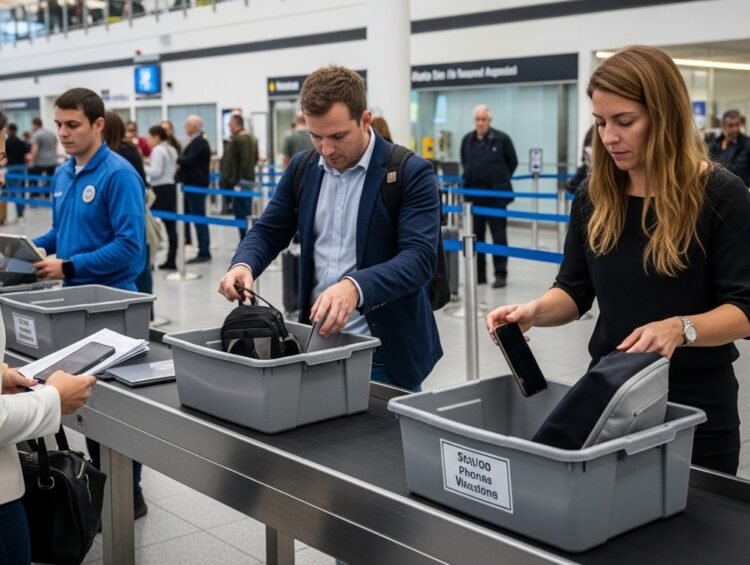
 The airport security line is a finely choreographed chaos: shoes off, laptop out, bins sliding, everyone shuffling forward in socks. In the rush, most travelers do the instinctive thing with their phone and toss it loose into one of those gray plastic bins. It seems efficient, but frequent flyers, the people who pass through security hundreds of times a year, overwhelmingly recommend against it. A loose phone in a TSA bin is exposed to germs, theft, damage, and loss, all for zero security benefit. Here is why your phone belongs in your bag, and the smarter routine that seasoned travelers swear by.
The grime hiding in plain sight
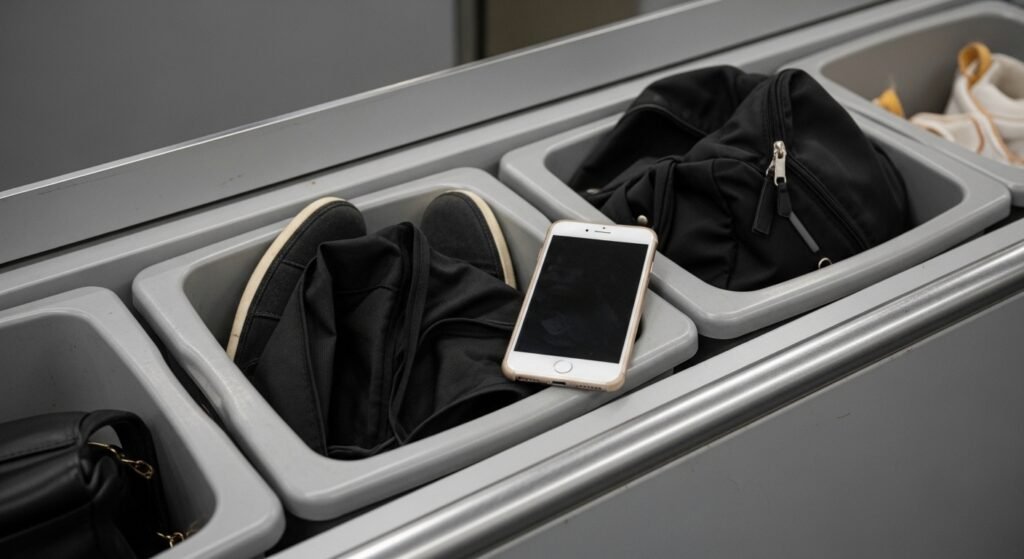
Those gray bins handle thousands of travelers a day: shoes, bags, jackets, belts, and everything people have touched since leaving home. They are rarely sanitized between passengers, which makes them one of the germiest surfaces in the airport, a fact confirmed by microbiology studies that have found security trays carrying more respiratory viruses than almost any other airport surface tested. Placing your phone, the object you press against your face and handle hundreds of times a day, directly onto that surface is one of the least hygienic things you can do while traveling.
Keeping your phone inside your bag means it never touches the bin at all. It is a simple hygiene upgrade that costs you nothing and takes no extra time.
A fast track to sticky fingers
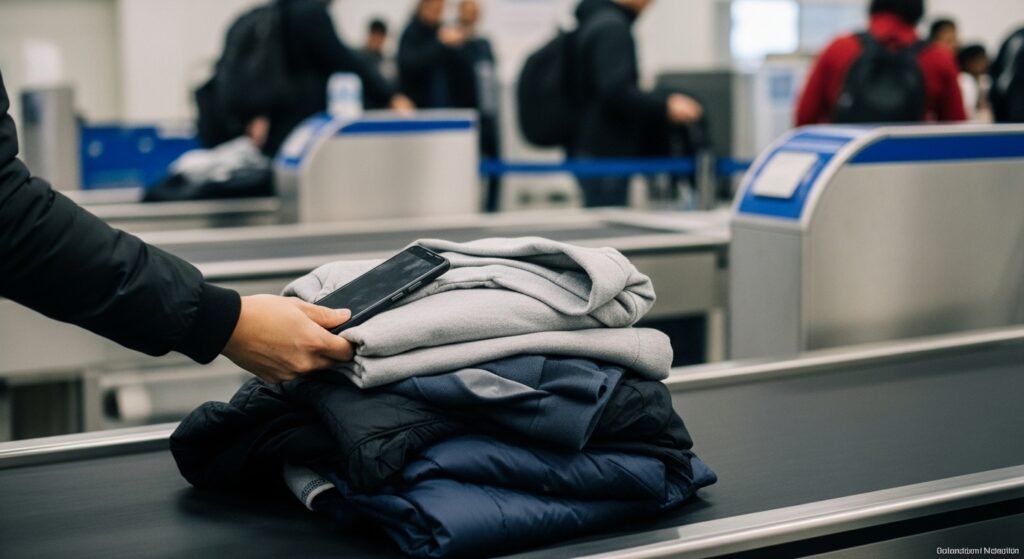
Security checkpoints are crowded, distracting, and full of strangers standing shoulder to shoulder, which is exactly the environment where theft thrives. A phone sitting loose and visible in a bin is an easy target: it can be palmed by someone ahead of you at the collection point, or simply pocketed in the confusion while you are busy retying your shoes. Because everyone is focused on their own belongings, a missing phone may not register until the thief is long gone.
A phone zipped inside your carry-on is invisible to opportunists. Out of sight really does mean out of mind, and the few seconds of convenience you gain from the bin are not worth the risk to a device worth a thousand dollars and holding your entire digital life.
The physics of the conveyor belt
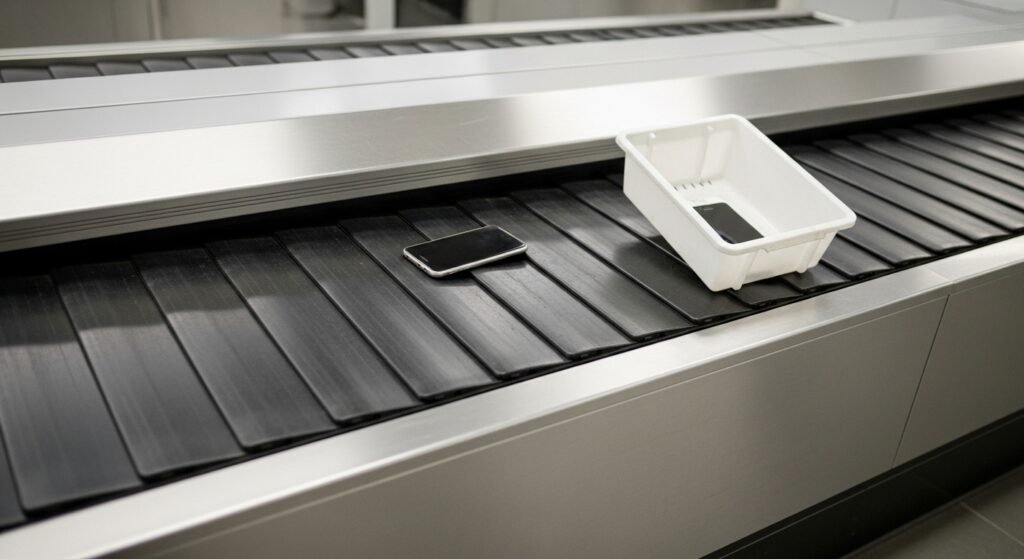
Conveyor belts are industrial equipment, not gentle escalators. They jerk, stop abruptly, and tilt as bins transfer between sections. A small, smooth smartphone slides easily inside a plastic bin and can wedge under the rollers or slip into the machinery itself. Travelers have reported phones disappearing into the inner workings of X-ray machines, causing long delays while staff retrieve them, and not every retrieved phone survives the encounter unscathed.
Inside your bag, your phone is cushioned by your belongings and cannot migrate anywhere. The bag goes through the same X-ray screening, so you lose nothing in security compliance while gaining real physical protection.
Confusion at the collection point
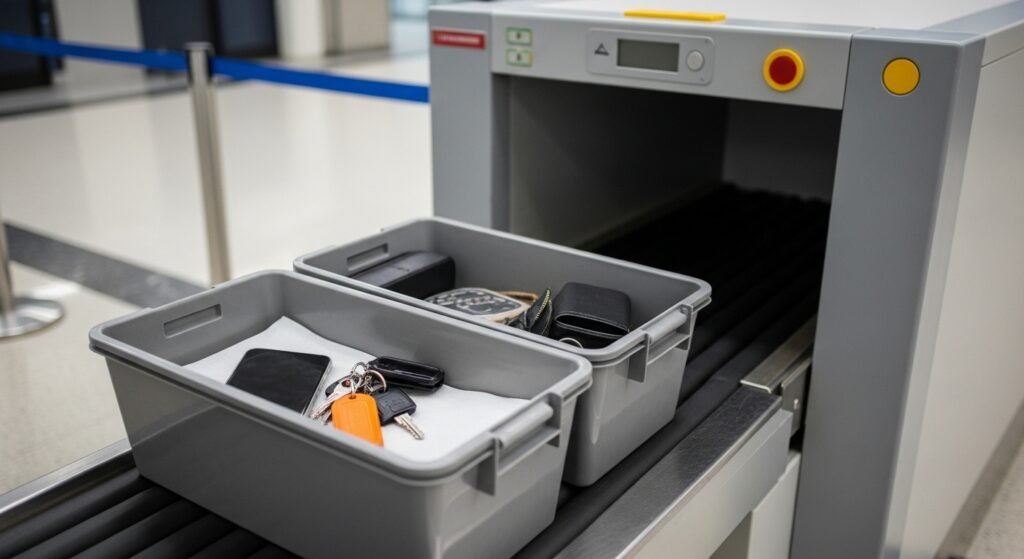
At the far end of the scanner, a dozen identical gray bins slide out together, and every hurried traveler grabs for their things at once. It is remarkably easy to pick up the wrong bin, or for someone else to pick up yours. Most of the time it is an honest mistake, but untangling it means tracking down a stranger who may already be heading to a different gate, turning a small mix-up into a missed-flight scenario.
Fewer loose items means fewer chances for confusion. When your phone is in your bag, there is one thing to grab instead of five, and your bag looks like your bag, not like everyone else’s bin.
Protecting your digital boarding pass
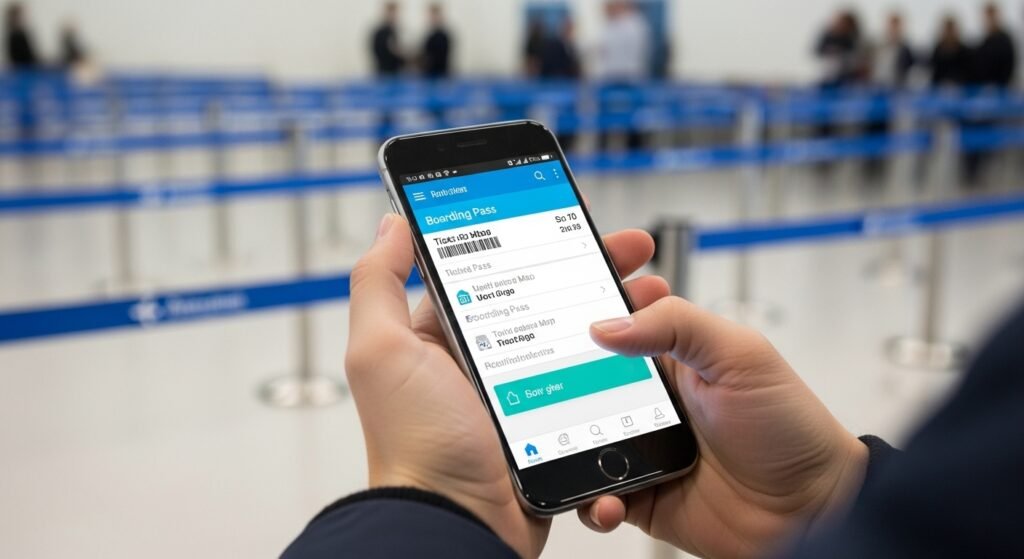
For many travelers, the phone is the boarding pass, the map, the hotel confirmation, and the only way to reach the airline when plans change. Losing it or cracking its screen at security does not just cost you a device; it strands you digitally at the worst possible moment. Without your phone, rebooking a tight connection, finding your gate, or contacting anyone becomes dramatically harder.
Frequent flyers treat the phone as mission-critical equipment and protect it accordingly. Stowing it safely is not paranoia; it is the same logic as keeping your passport secure. The device that holds your entire trip deserves better than a communal plastic tray.
The hidden danger of bin tipping
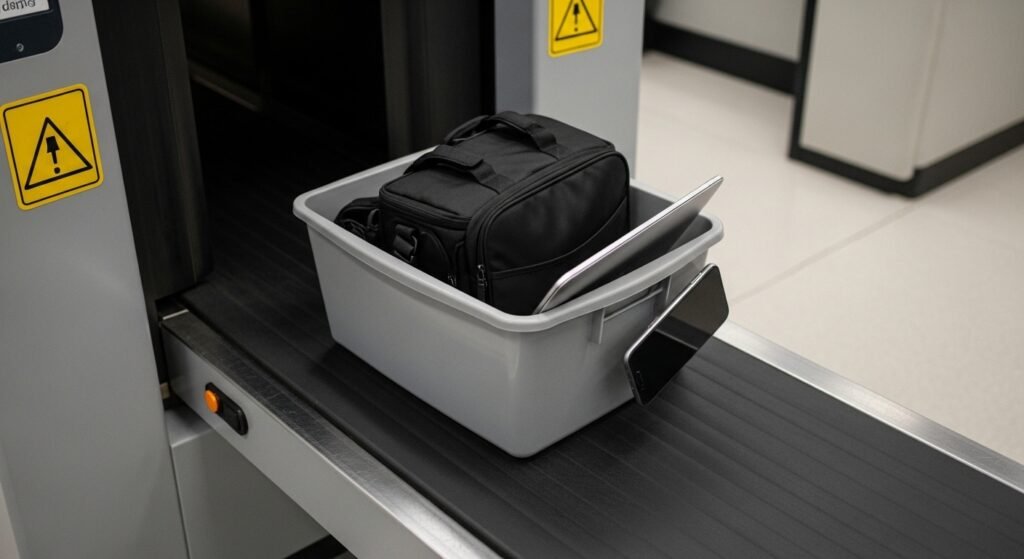
Bins must pass through the heavy lead curtains of the X-ray machine, and they frequently snag, tip, or get shoved by the bin behind them. A laptop is heavy enough to stay put, but a lightweight phone can be launched clean out of the bin, landing on the floor where it gets kicked, stepped on, or slides under equipment. By the time you notice it is missing, it may have traveled well beyond the checkpoint.
This is one of the most common ways phones are damaged at airports, and it is entirely avoidable. A zipped pocket eliminates the physics problem completely.
Why your bag is the safer bet
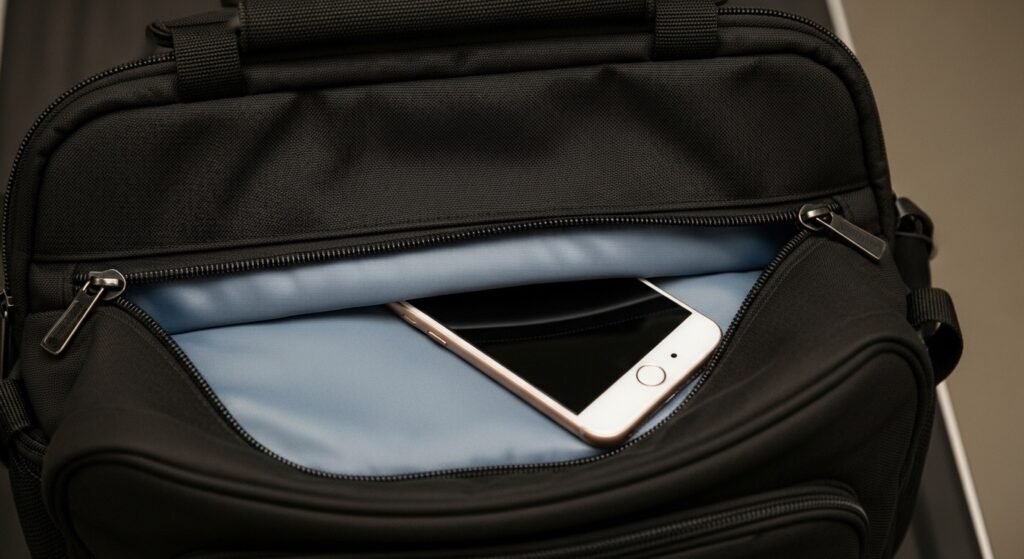
Seasoned travelers recommend the same simple move: put your phone in an interior or zippered pocket of your carry-on or personal item before you reach the bins. The X-ray sees through your bag without any problem, so there is no security downside. Your phone stays clean, hidden, cushioned, and exactly where you left it, and you have one fewer loose item to track through the chaos.
The same logic applies to other small valuables: wallets, keys, loose change, and jewelry all travel more safely inside your bag than scattered across bins. Consolidation is the frequent flyer’s superpower.
Keeping your privacy under wraps
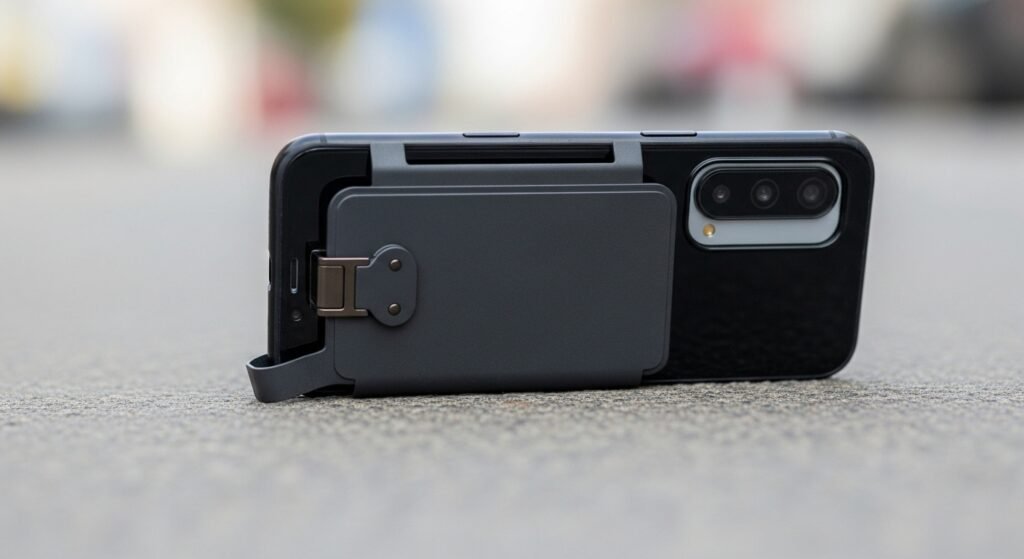
A phone face-up in a bin broadcasts its lock screen to everyone nearby: message previews, two-factor codes, calendar alerts, and photos. Most glances are innocent, but in a crowded line you have no control over who is looking or what they capture. Shoulder-surfing for authentication codes is a real technique used by thieves, and a security line is an ideal hunting ground.
Tucking the phone away protects your privacy as well as your property. As a bonus habit, consider disabling lock-screen message previews before you travel, so even a visible phone reveals nothing.
Avoiding the post-scanner scramble
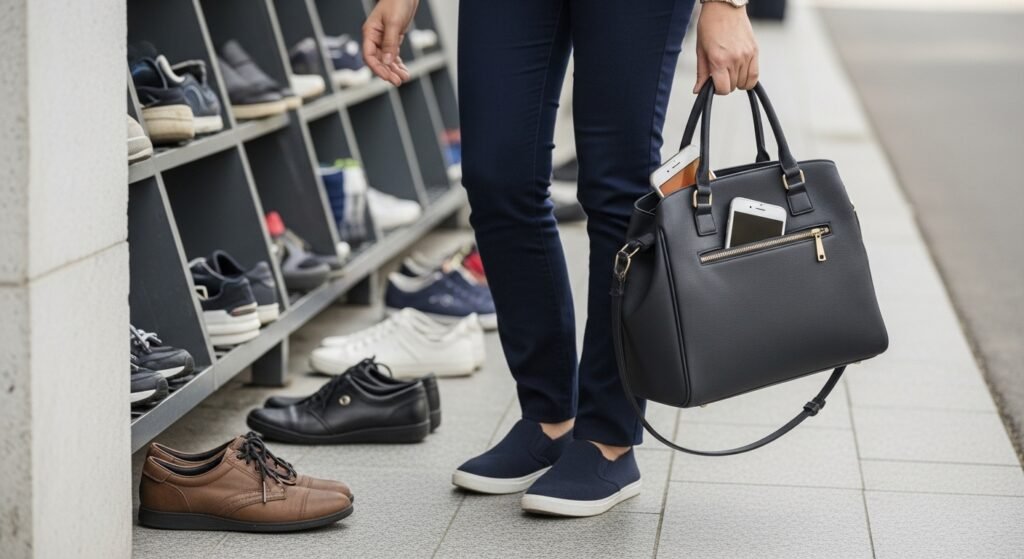
The recomposure area, where everyone redresses at once, is the most chaotic part of the checkpoint. Balancing on one foot to retie shoes while gathering bins, belts, laptops, and jackets is a juggling act, and every loose item is something to drop, forget, or leave behind. Phones are among the most commonly abandoned items at checkpoints precisely because they are small and the moment is hectic.
With your phone already in your bag, recomposure simplifies to: grab bag, grab bins, walk ten feet to a bench, and reorganize calmly away from the crush. Frequent flyers never redress at the belt; they move aside first, which is faster for everyone.
What the TSA actually prefers
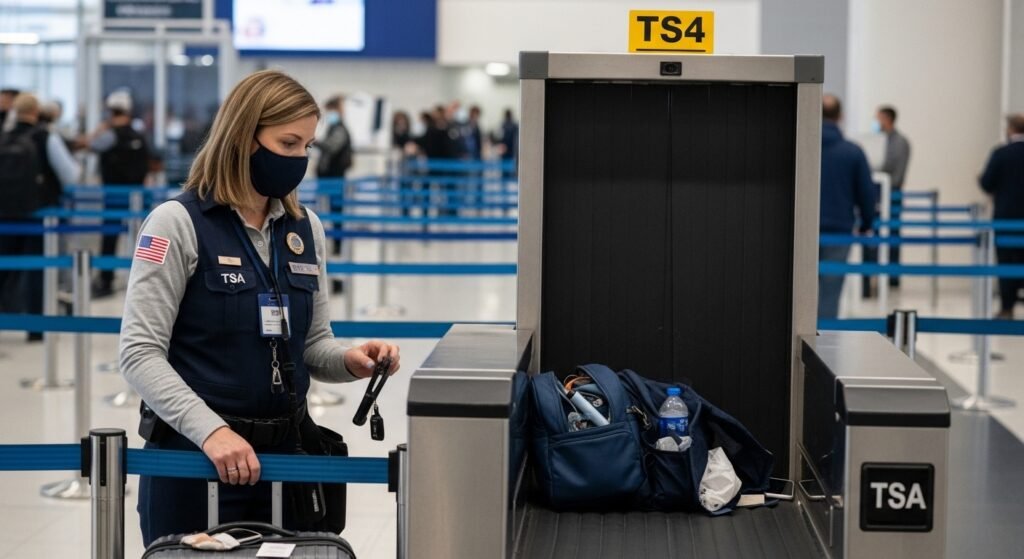
Contrary to what many travelers assume, TSA officers generally prefer that small items stay in your bag. Loose phones, change, and jewelry slow down the line when they scatter, jam equipment, or get left behind, creating work for officers and delays for everyone. A bag with everything consolidated inside produces a cleaner X-ray image and a smoother process. The rules require your belongings to pass through screening; they do not require them to be loose in a bin.
Note that procedures vary by airport and lane type. In standard lanes, laptops and large electronics typically still need their own bin, and the 3-1-1 liquids rule still applies. But small personal electronics like phones are fine inside your carry-on, and officers will tell you if they want anything removed.
The myth of the metal detector
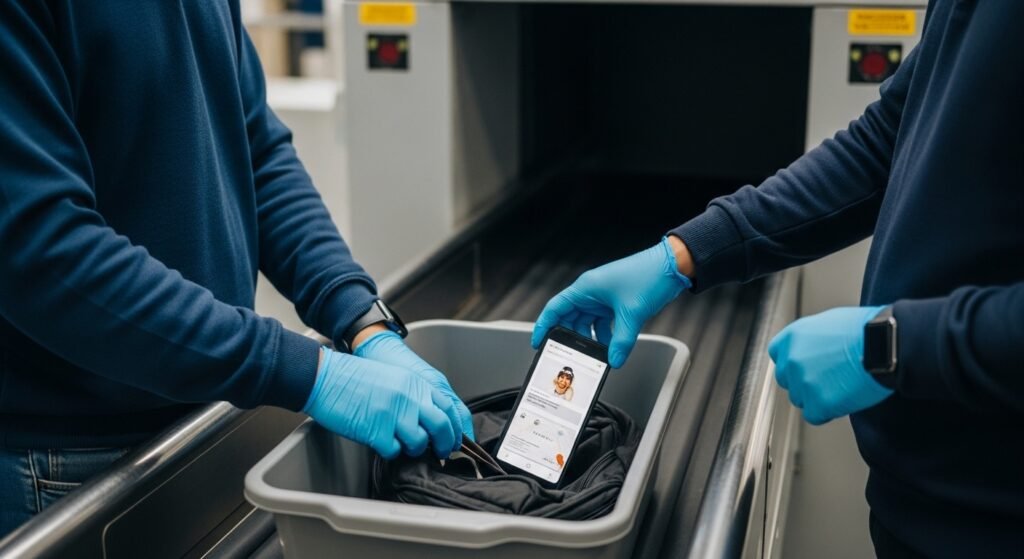
Many travelers put their phone in the bin because they believe it must be separated to avoid setting off the metal detector. The phone does need to go through screening rather than staying in your pocket through the scanner, but screening can happen inside your bag just as well as in a bin. The X-ray requirement is satisfied either way; the bin adds nothing but risk.
The same goes for the newer CT scanners rolling out at checkpoints, which create 3D images of bag contents. These machines are designed to evaluate items inside luggage, which is exactly why programs like TSA PreCheck let members keep so much packed. The technology has moved past the era when everything needed to be laid out flat.
The smarter security-line routine
Put it all together and the frequent-flyer routine looks like this. Before you reach the bins, phone goes into a zippered pocket of your carry-on or personal item, along with your wallet and keys. Liquids bag and laptop come out only if your lane requires it. Everything else stays packed. At the far end, grab your bag and bins, step aside to the benches, and reassemble calmly. Consider TSA PreCheck or Global Entry if you fly often: keeping shoes on and laptops packed removes most of the bin juggling entirely.
One more pro tip: take a quick photo of your packed bag before security, or keep a mental checklist of what went in. If anything ever does go missing, knowing exactly what you had makes recovery far easier.
What to do if your phone goes missing at security
If the worst happens despite your precautions, act fast. Tell a TSA officer immediately; checkpoints have protocols for missing items and can sometimes locate a phone still in the equipment. Check with the airport’s lost and found, and file a report before you leave the airport, since same-day recovery is far more likely than later. Use a companion’s device or an airport computer to trigger your phone’s find-my-device feature and put it in lost mode. And this is your reminder to enable those features, plus a lock-screen contact message, before your next trip.
The security line will never be anyone’s favorite part of travel, but it does not have to be where your phone meets its end. Keep it zipped in your bag, keep your routine simple, and save your attention for the trip ahead instead of the bin behind you.